
To remove a view from a page in the content area, click the  3-dots button in the view and select Hide View.
A page must be added to the content repository via 3-dots button > Add Current Page to Content Repository before you hide it in order to be able to return it to the content area later.
To return the view, click the 3-dots button for the content area, click Add Content and select the checkbox for the view you want to restore.
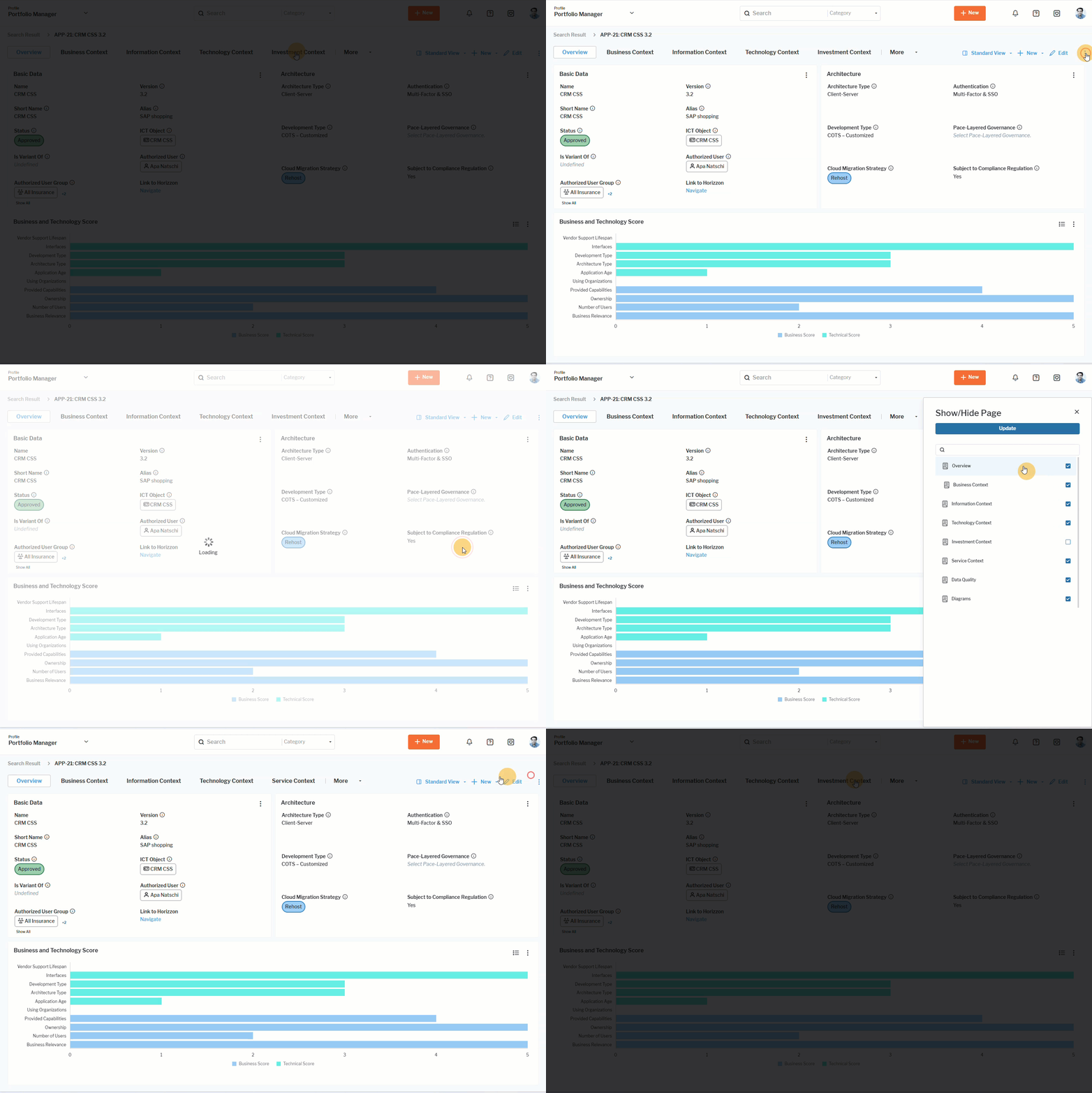 Click here to see how.