You can change the size of a content item by dragging any border or corner. Grab a border or corner of the content item until the drag arrow is displayed and drag it to the size you want. The other content items will automatically re-adjust their position in the content area.

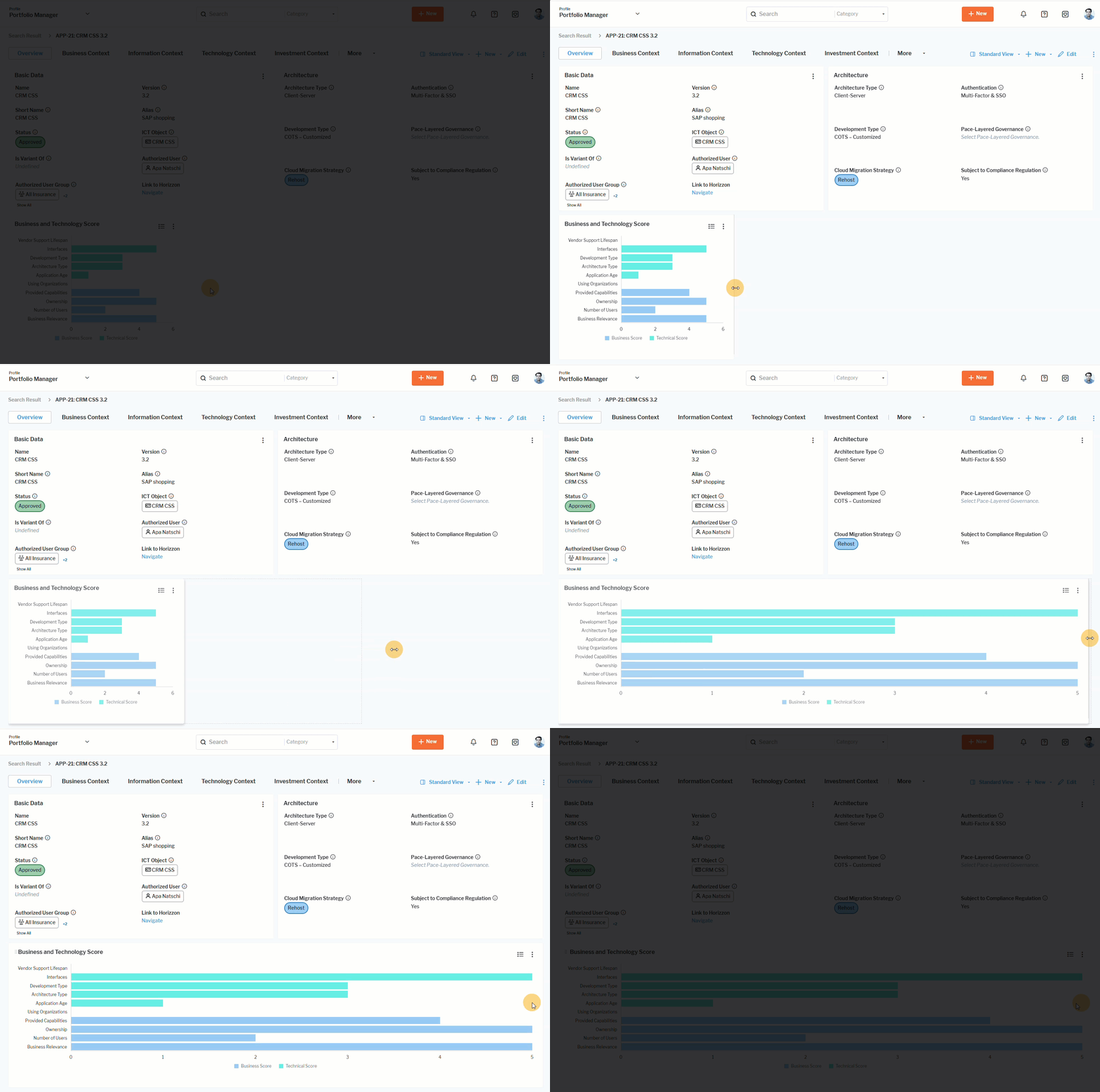 Click here to see how.