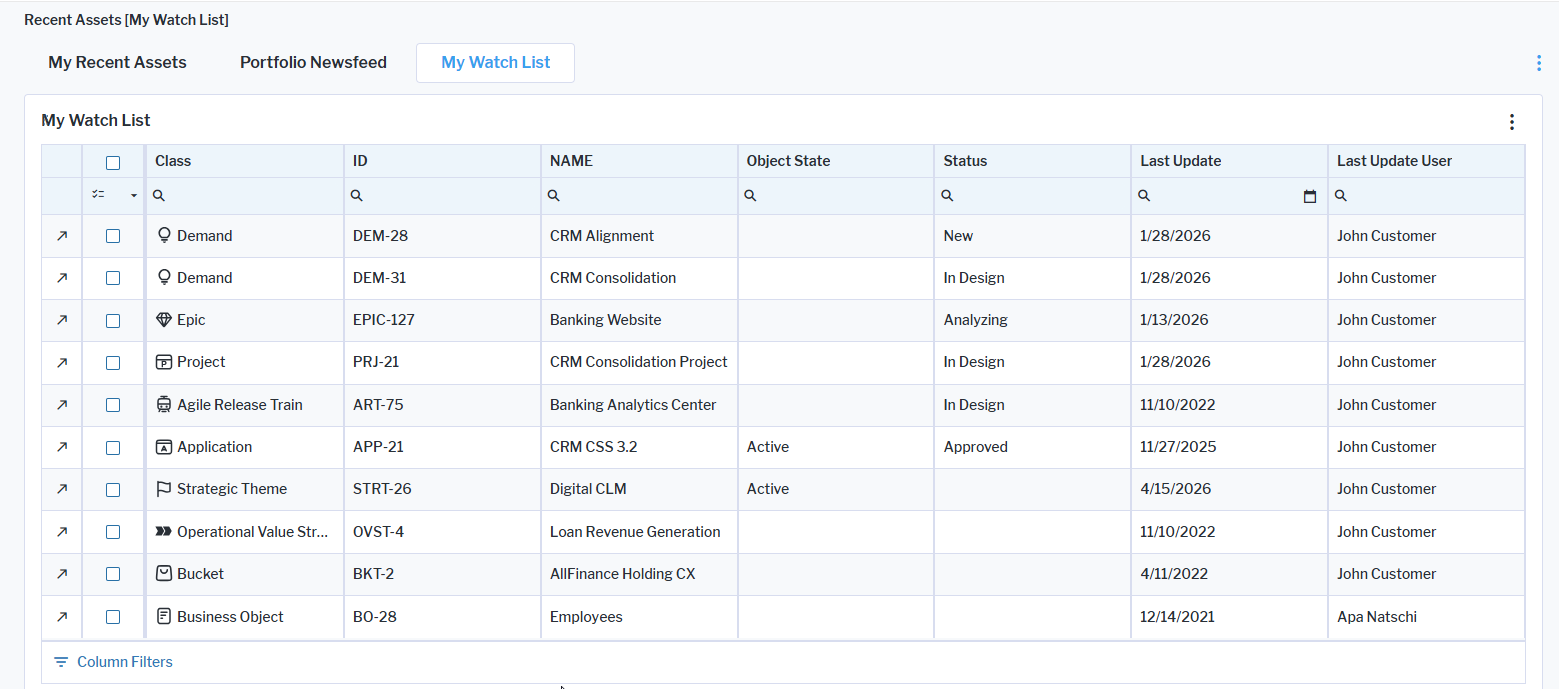
You can keep track of assets that you are interested in to understand when changes are made to the asset. All watched assets are collected in the My Watch List page, accessible via Recent Assets in the navigation panel. The My Watch List page provides a report showing all watched objects as well as when the asset was last updated and who updated it.
Additionally, a notification will be available in the Notification Center when the watched assets are updated, including if changes are made to attributes and relationships. To reduce notification volume, updates are bundled into a single daily summary email, listing all changed objects (e.g., up to 10 objects per notification).
To watch an asset, go to the content area of the asset you are interested in. Click the  3-dots button > Watch