
There are different methods to provide publication capabilities on the Alfabet user interface:
- A configured report of the type Query , NativeSql , or Custom that displays a dataset that is returned by a query. The user can select one or multiple objects in the dataset and then trigger a publication. The publication functionality is displayed above the dataset and includes the necessary buttons to trigger the publication.
The objects selected in the dataset are the base objects for the publication. For first level publication nodes with a Source Type attribute set to None , the data about the selected object will be published. For first level publication entries with a Source Type attribute set to Query or NativeQuery , the selected objects can be referenced by means of the parameter BASE in the query defined for the publication entry.
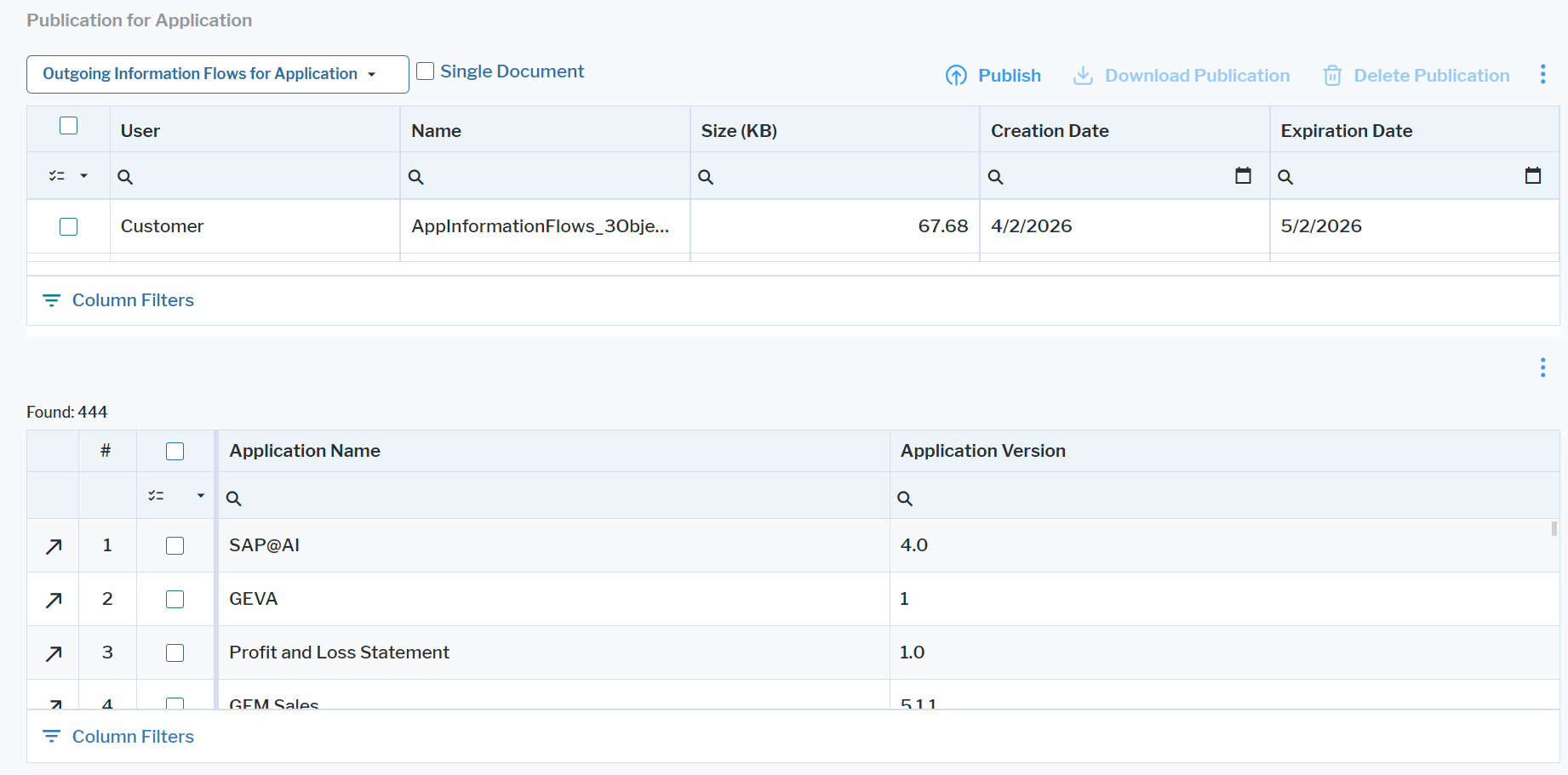
- A configured report that displays only the publication functionality. The user can trigger the publication for base objects that are selected by one of the following methods:
- The first level publication entries of the publication has the Source Type attribute set to Query or NativeSql and the query defines the objects to be selected without a reference to a base object (in other words, without using the parameter BASE).
- The configured report is assigned to an object class via the Apply to Class attribute of the configured report. A selector is then displayed in the publication interface that allows an object to be selected as the base object for the configured report. The first level publication entries of the publication can either have the Source Type attribute set to None and configured to publish data about the current object, or have the Source Type attribute set to Query or NativeQuery . The query references the selected base object using the parameter BASE.
- A generic operation that opens the configured report triggering the publication is defined and will be available in data workbenches and content areas. The object the user is currently working with in the content area or has selected in a data workbench is the base object of the report. The first level publication entries of the publication can either have the Source Type attribute set to None and configured to publish data about the current object, or have the Source Type attribute set to Query or NativeSql . The query can reference the selected base object using the parameter BASE.
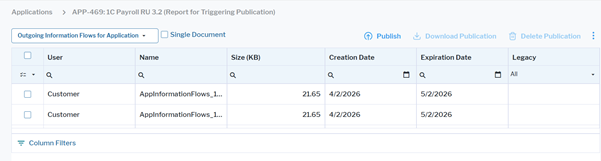
The report can be used to trigger multiple different publications. The user can select a publication for execution in a drop-down list in the publication area and click the Publish button to publish the data. For publication of data about multiple objects, the user can select the Single Document checkbox to publish information about all objects in one document. By default, one document is published per object. The following button interactions are available:
- Publish: Publishes the data. Execution of the publication is an asynchronous process. As soon as the process is finished, the user will get a notification about the finished publication. Refresh of the current page will show the publication in a table.
- Delete Publication: Deletes the publication from the table and from the Alfabet database. Publications show an end date but the end date is currently not used to delete publications. It is only a hint to the user that the data might be deprecated.
- Download Publication: Downloads the publication to the local file system in a ZIP file.