Right-click the Semantic Analysis node and select Add Properties.
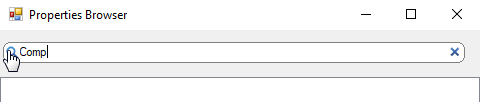
In the selector window, type at least the first three letters of the object class name into the search field and click the search icon on the left of the field.
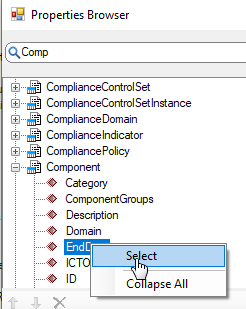
All object classes matching your search are listed in the middle field of the selector. Expand the relevant object class node, right-click the relevant property and select Select from the context menu.
Click OK. The object class and the selected object class property is added to the semantic analysis explorer persistently.