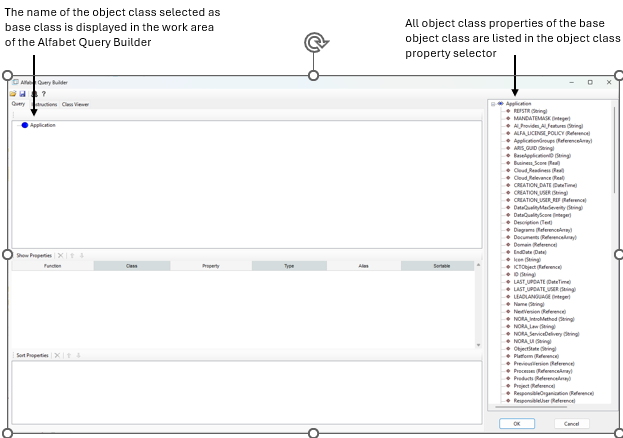
The FIND class is selected on opening of the Alfabet Query Builder.
- In the Alfabet Query attribute of your configuration object, click in the field and click the three dots button appearing on the right of the field.
- In the selector, you can either type the full name of the object class in the field on top or start typing to move the cursor in the list of classes to a position near the class you want to select and then search for the object class in the list and select it.
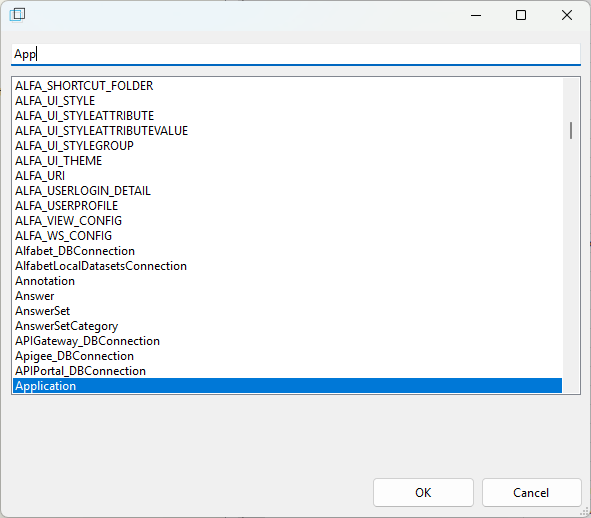
- Click OK.
The selected base class is displayed in the work area of the Alfabet Query Builder. On the right, all object class properties of the base class are listed in a separate pane, which is called the object class property selector.