Log in to Alfabet
Once your user account has been created, you will receive a URL to access Alfabet. In the log in screen, enter your user name and password and click Log In.
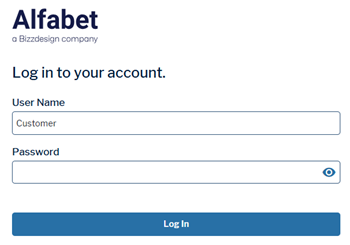
For question regarding login details or your user account, please contact your system administrator. Click to learn more about user account configuration.
If you log in to an Alfabet instance, you might see a warning screen first that you need to confirm. This is part of the cloud installation. It is displayed only if your company has explicitly requested installation of the warning message from Alfabet Support (for example, to meet FedRAMP requirements).